


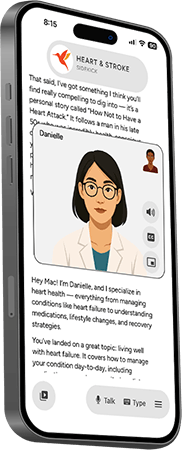
The Heart & Stroke Sidekick App is your always available advocate with 100 years of experience in the palm of your hand. Friendly avatars answer questions and provide guidance while keeping your information secure and private.
Personalized Recovery
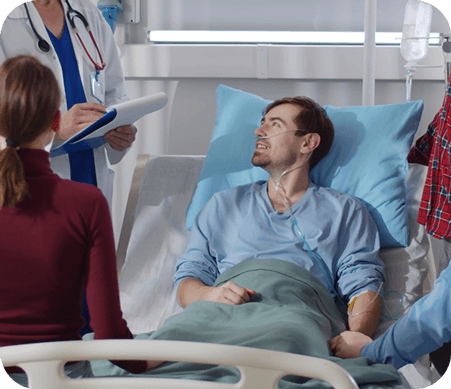
Guidance We use AHA and ASA data on post-heart attack and stroke recovery protocols to offer tailored advice and guidance.

Rehabilitation Support
Guide survivors and caregivers through recommended rehabilitation exercises, such as cardiac rehab programs or stroke recovery physical therapy.

Education & Lifestyle
Coaching Using AHA’s educational resources, the AI Sidekick delivers bite-sized, easy-to-understand information on managing risk factors like hypertension, diabetes, or smoking.

Professionals
A rich, clinically focused collection covering evidence-based guidelines across a wide range of cardiovascular areas.
Aphasia
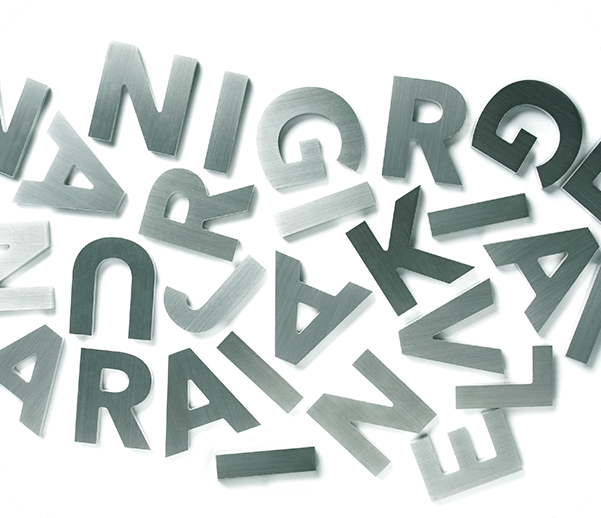
a language disorder caused by damage to the brain areas responsible for speech and comprehension.
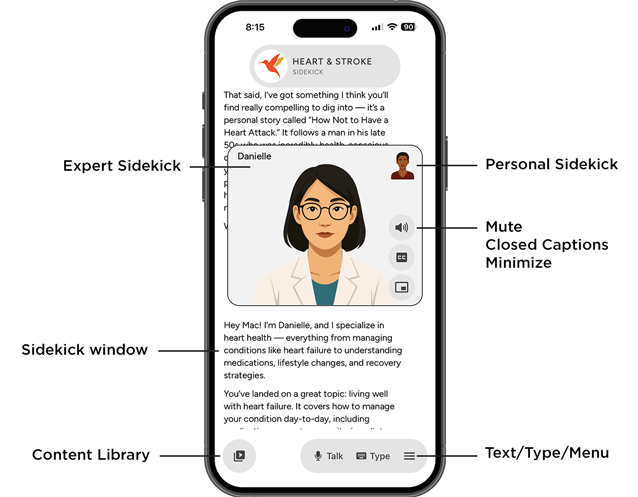
Tip: Switch back to your Personal Sidekick anytime by tapping on their picture.